Recording, transcription and a command-line tool. Speech recognition and speaker identification run on your Mac.
Recording
Native Tap records the audio your Mac plays, such as a video call or a browser tab, without installing a driver. Turn on Microphone to include your voice. If BlackHole 2ch is installed, you can record through it instead.
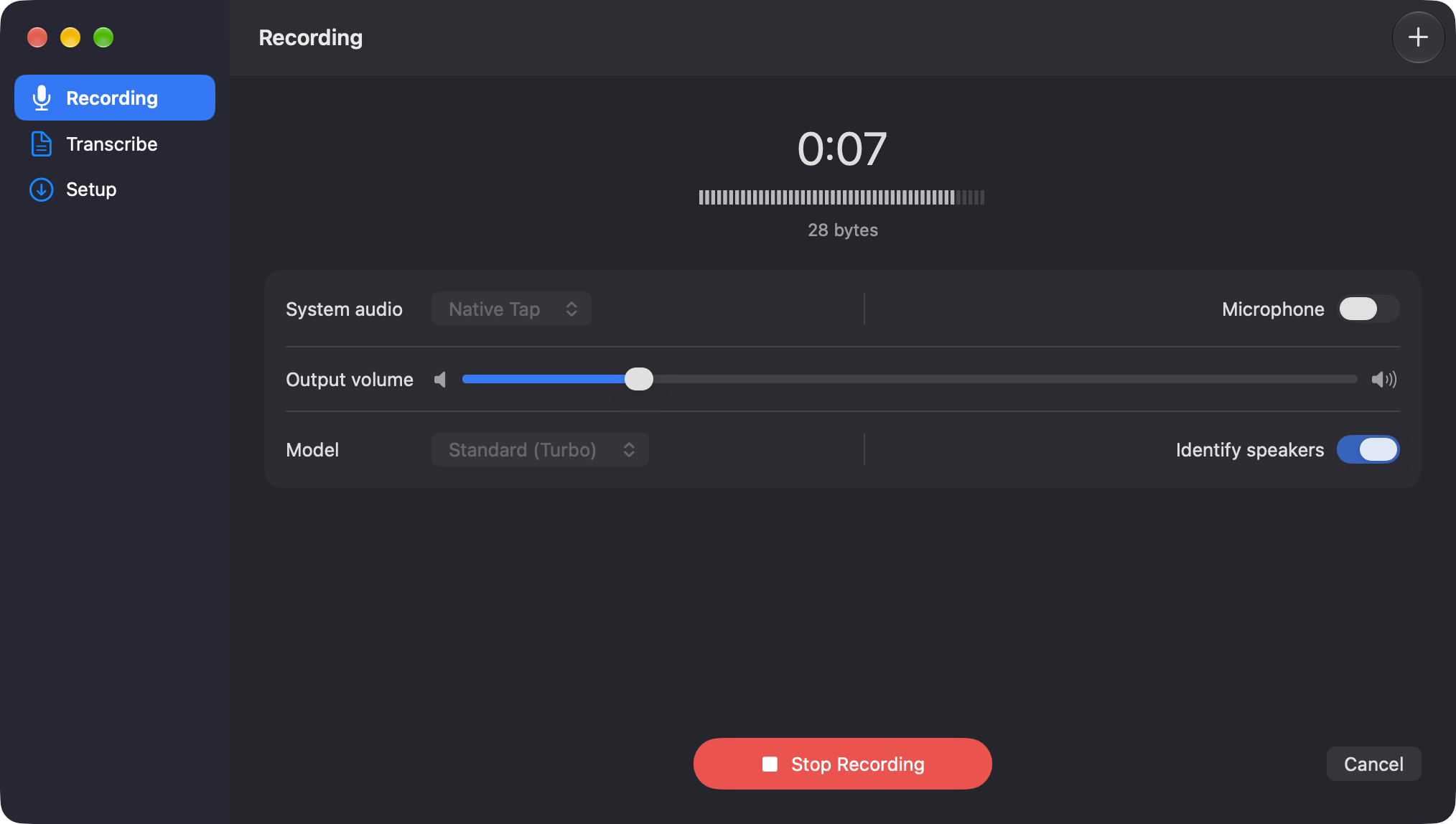
When the recording stops, Superscribe saves it as an M4A file in ~/Music/Recordings and
transcribes it with the settings you chose.
Transcribing files
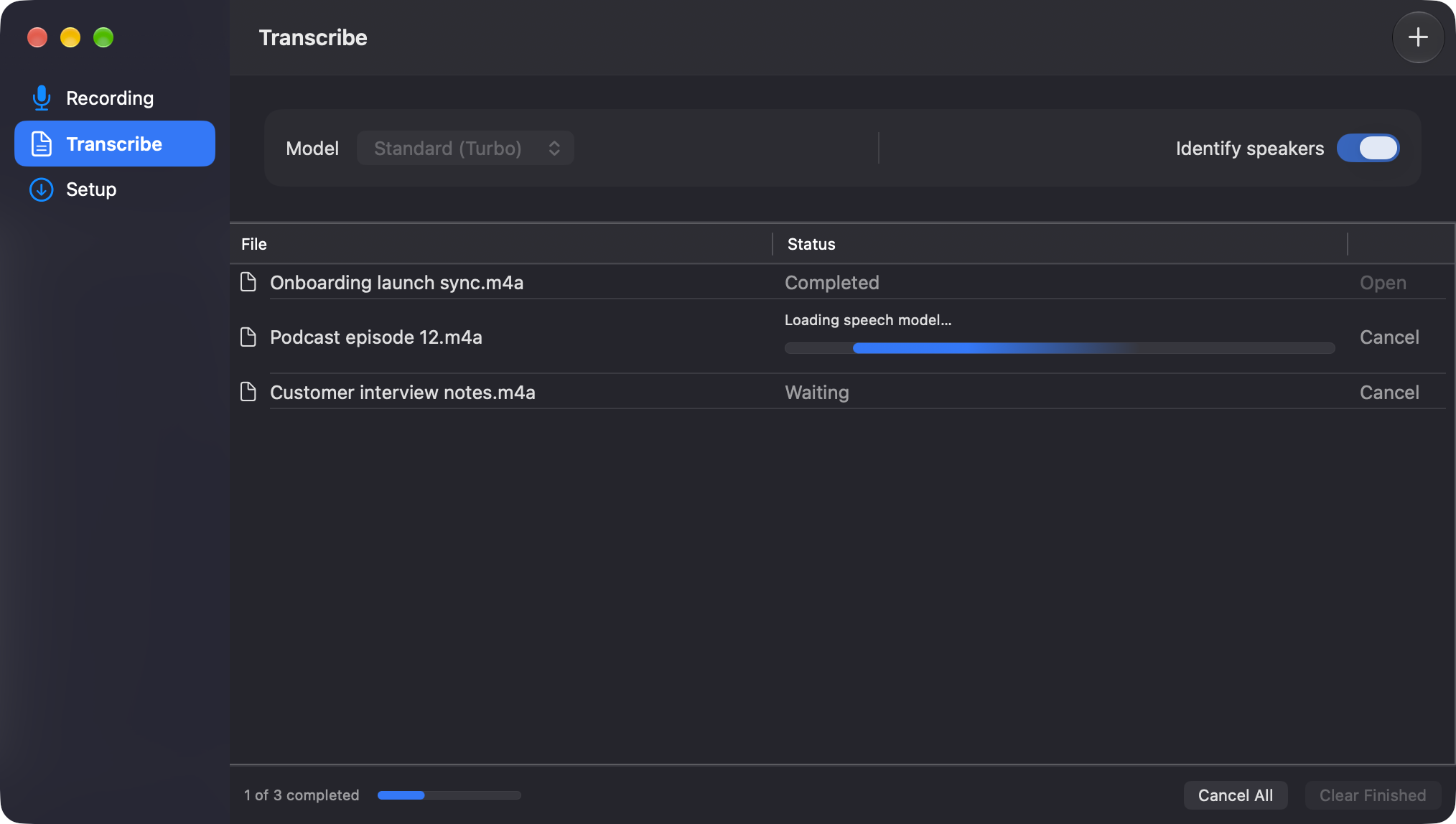
Drop audio or video files on the Transcribe pane or on the app icon in Finder or the Dock, or choose File → Transcribe Files… (⌘O).
Transcripts
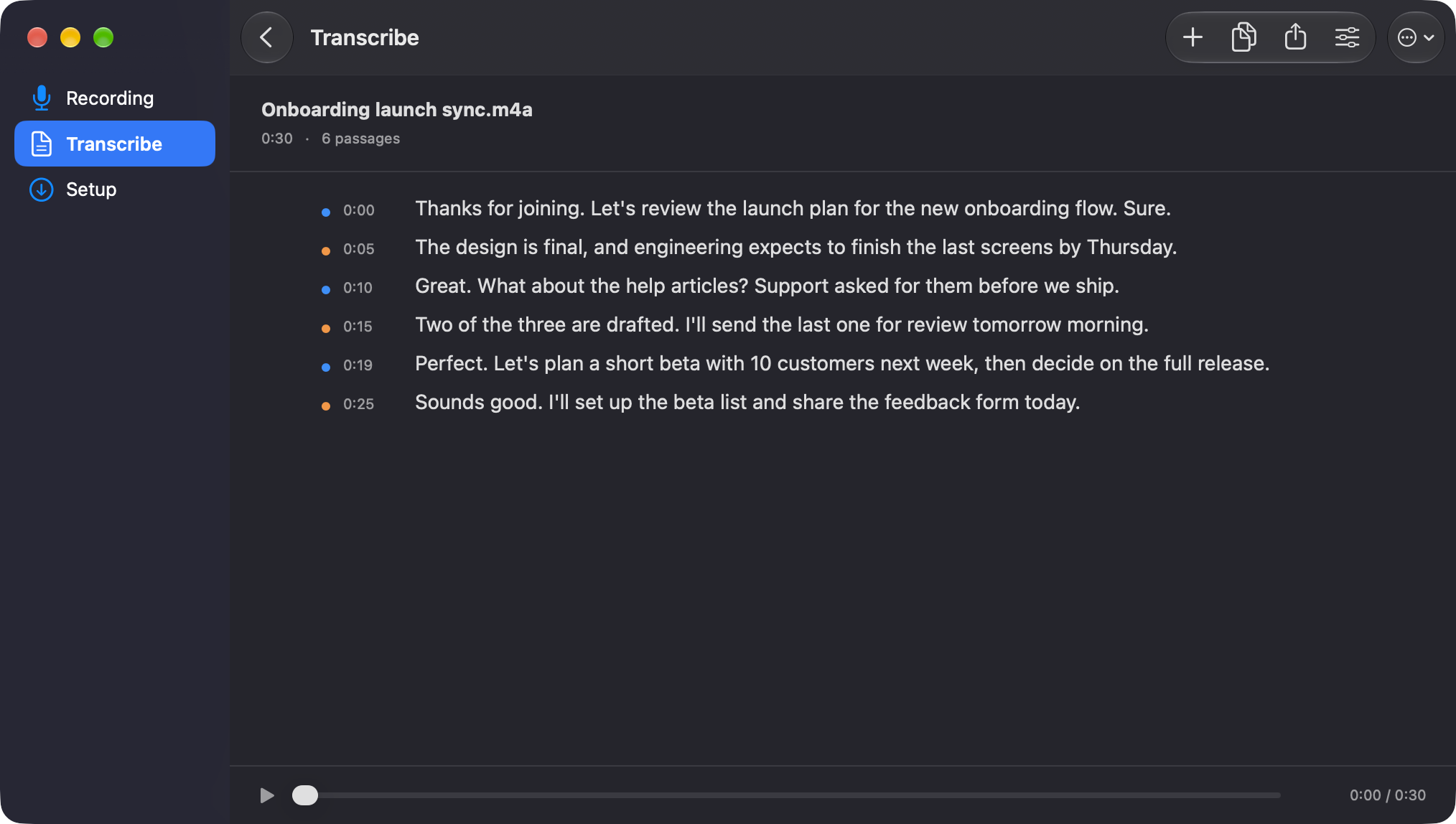
Each transcript opens in the app with its recording.
- Speaker labelsOptional, chosen before transcribing
- TimestampsClick one to play from that point
- Copy and exportCopy the text or save a TXT file
- Transcribe againWith a different model or speaker setting
- Standard (Turbo)The default model
- TinyFaster and less accurate
Command line
Install the superscribe command from Superscribe → Install Command Line Tool…
It records, transcribes and exports TXT, JSON or SRT without opening the app. The transcript goes to standard
output; progress and errors go to standard error.
$ superscribe transcribe --audio meeting.m4a --diarize --format txt \
    --output -
[00:00:00.020 → 00:00:04.700]
SPEAKER_01: Thanks for joining. Let's review the launch plan for the new onboarding flow. Sure.

[00:00:04.900 → 00:00:09.600]
SPEAKER_00: The design is final, and engineering expects to finish the last screens by Thursday.
superscribe skill setup installs a skill that lets Claude Code and Codex
record and transcribe with Superscribe.
Privacy
Audio and transcripts stay on your Mac. Superscribe records what your Mac plays, so nothing joins your calls.
The speech and speaker models download once on first launch and are checked against SHA-256. After that, Superscribe works without a network connection.